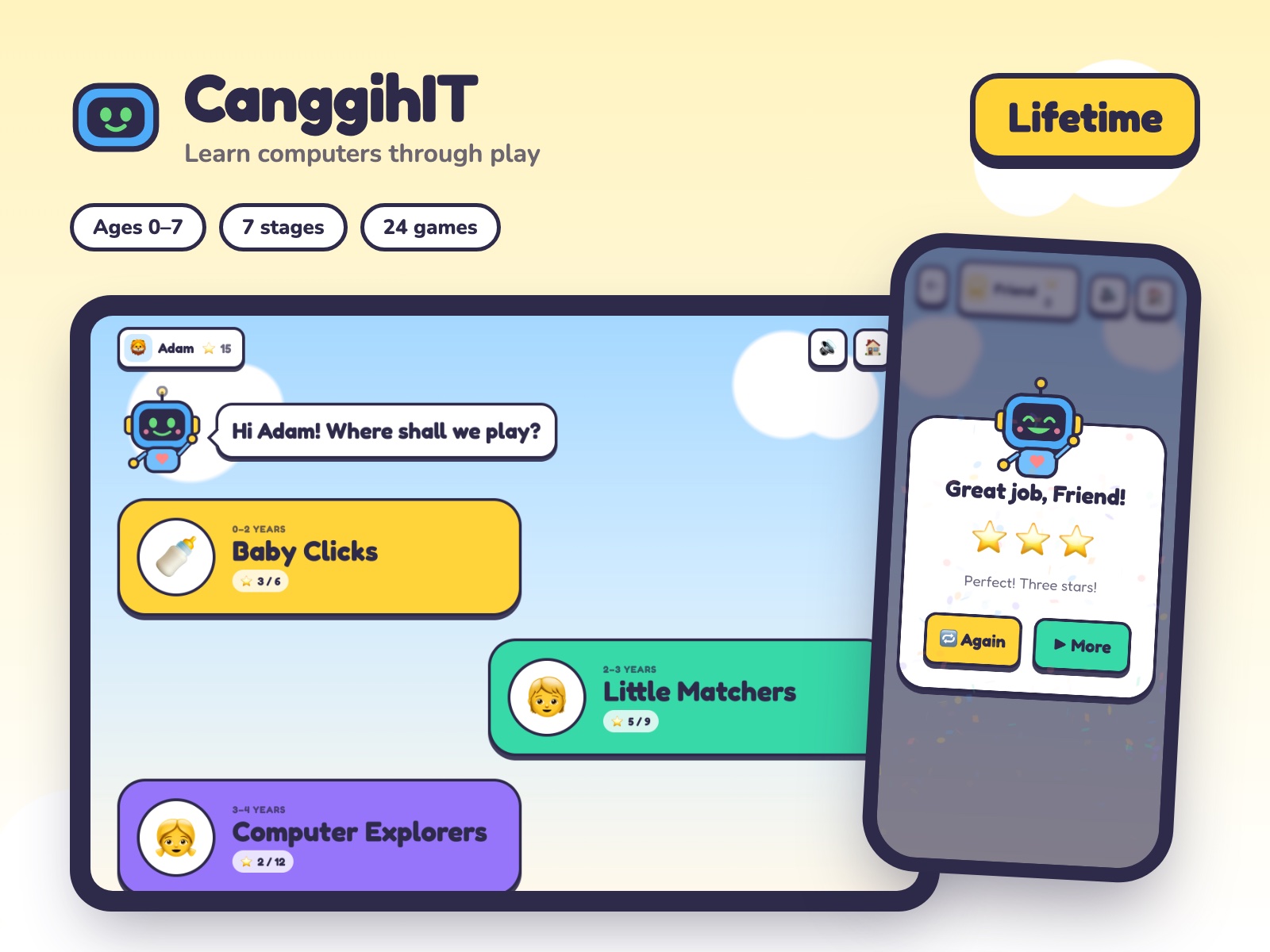
CanggihIT teaches young children about computers through play. There is nothing to read: Bit, a friendly robot, says every question out loud, and big pictures are tapped to answer. It works in the browser of a phone, a tablet or a computer, with nothing to install.
This plan: Paid once, yours for good, with every stage and game added after it. Up to three children play, each with a profile of their own.
What children learn
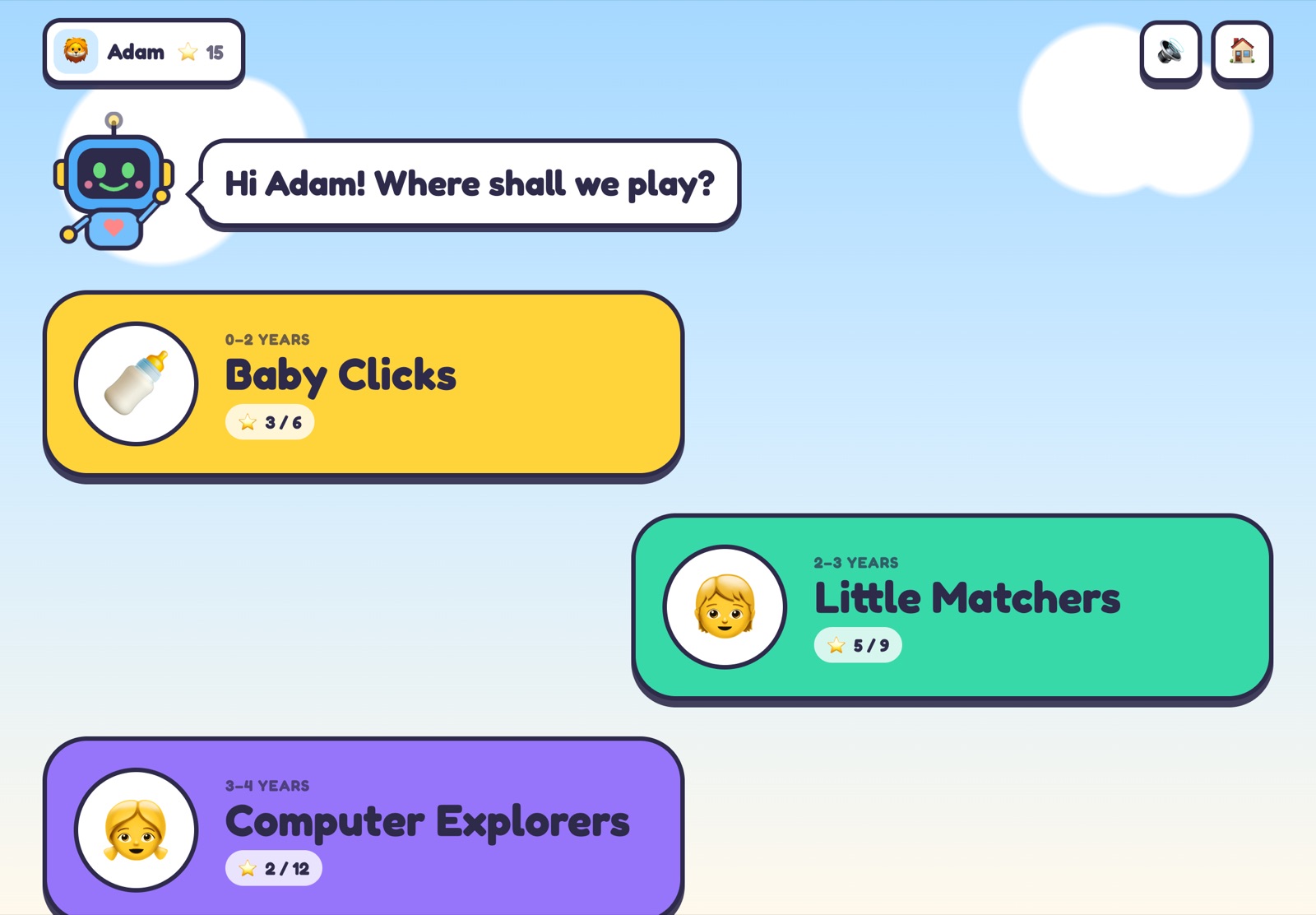
Seven stages, one after the other, from a baby's first taps to how a computer works.
| Stage | Ages | What they learn |
|---|---|---|
| Baby Clicks | 0–2 | Tap a picture and hear its name: mouse, keyboard, monitor, laptop, and the sounds around us. |
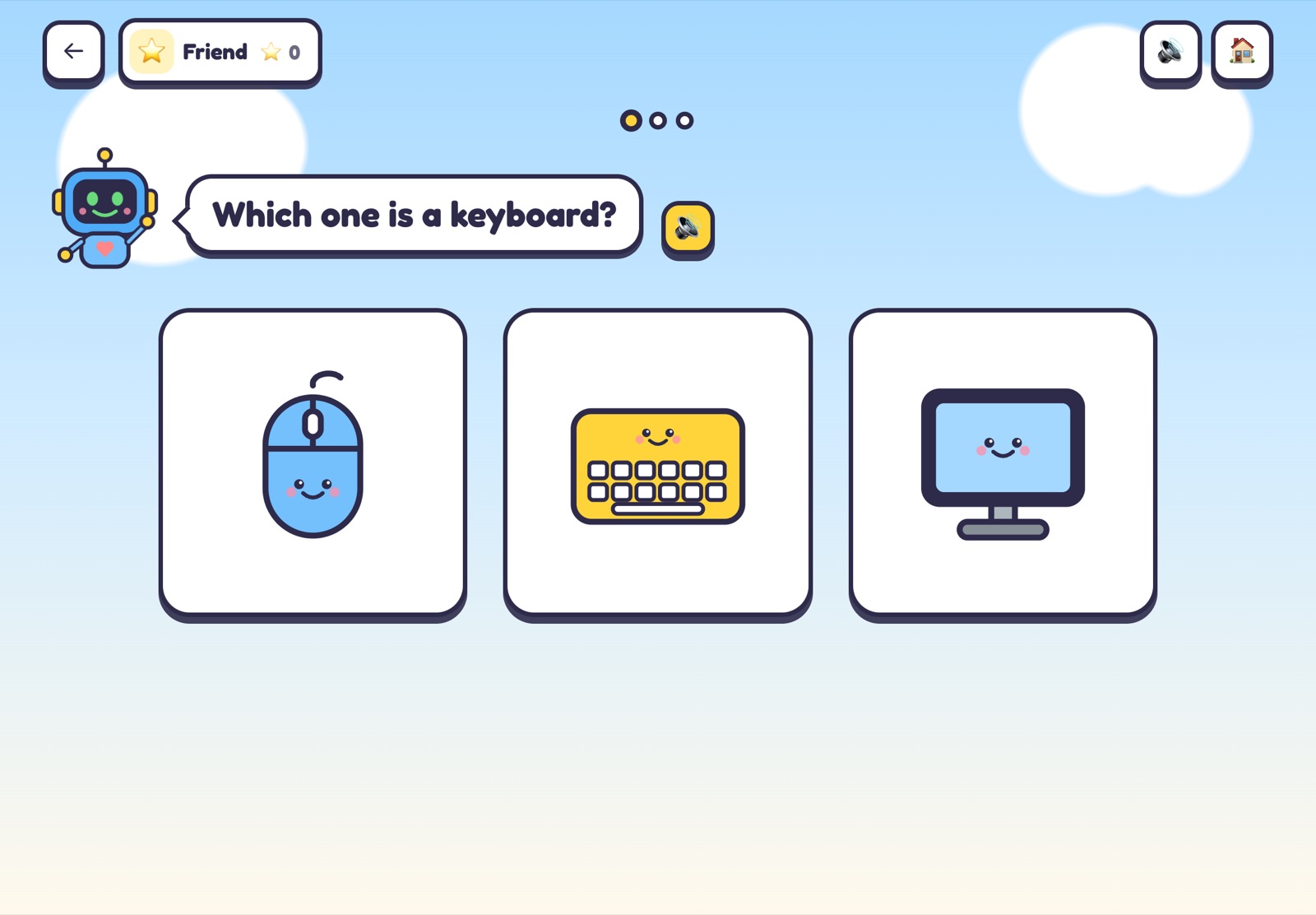
| Little Matchers | 2–3 | "Which one is a keyboard?": find the right picture, then match two. |
| Computer Explorers | 3–4 | The twelve parts of a computer: meet them, find them, and say what each one is for. |
| Screen Smart | 4–5 | The little pictures on a screen (folder, bin, battery, Wi-Fi, play, pause...) and what they do. |
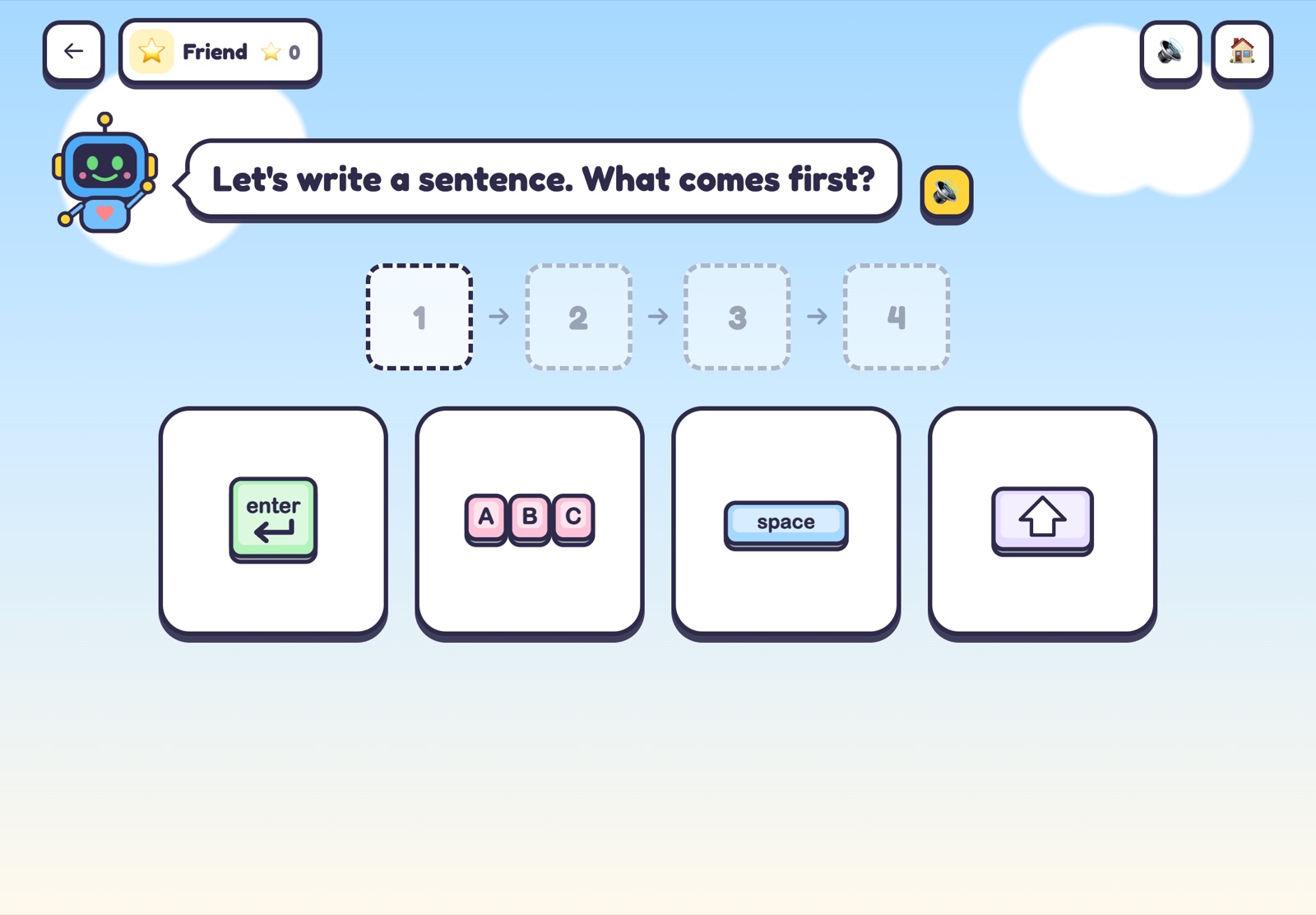
| Keyboard Heroes | 5–6 | Space bar, enter, backspace, shift and the arrows, then writing a sentence in the right order. |
| Safe & Kind Online | 5–7 | Ask a grown-up, keep passwords secret, take a break, use kind words, and what to do with strangers. |
| How Computers Work | 6–7 | Input or output? And the steps to turn a computer on. |
Five kinds of games
- Tap & listen: tap each picture to hear its name and a short fact.
- Find it: "Which one is a mouse?" with two to four pictures to choose from.
- Quiz: "What do we use to type?", answered with a picture.
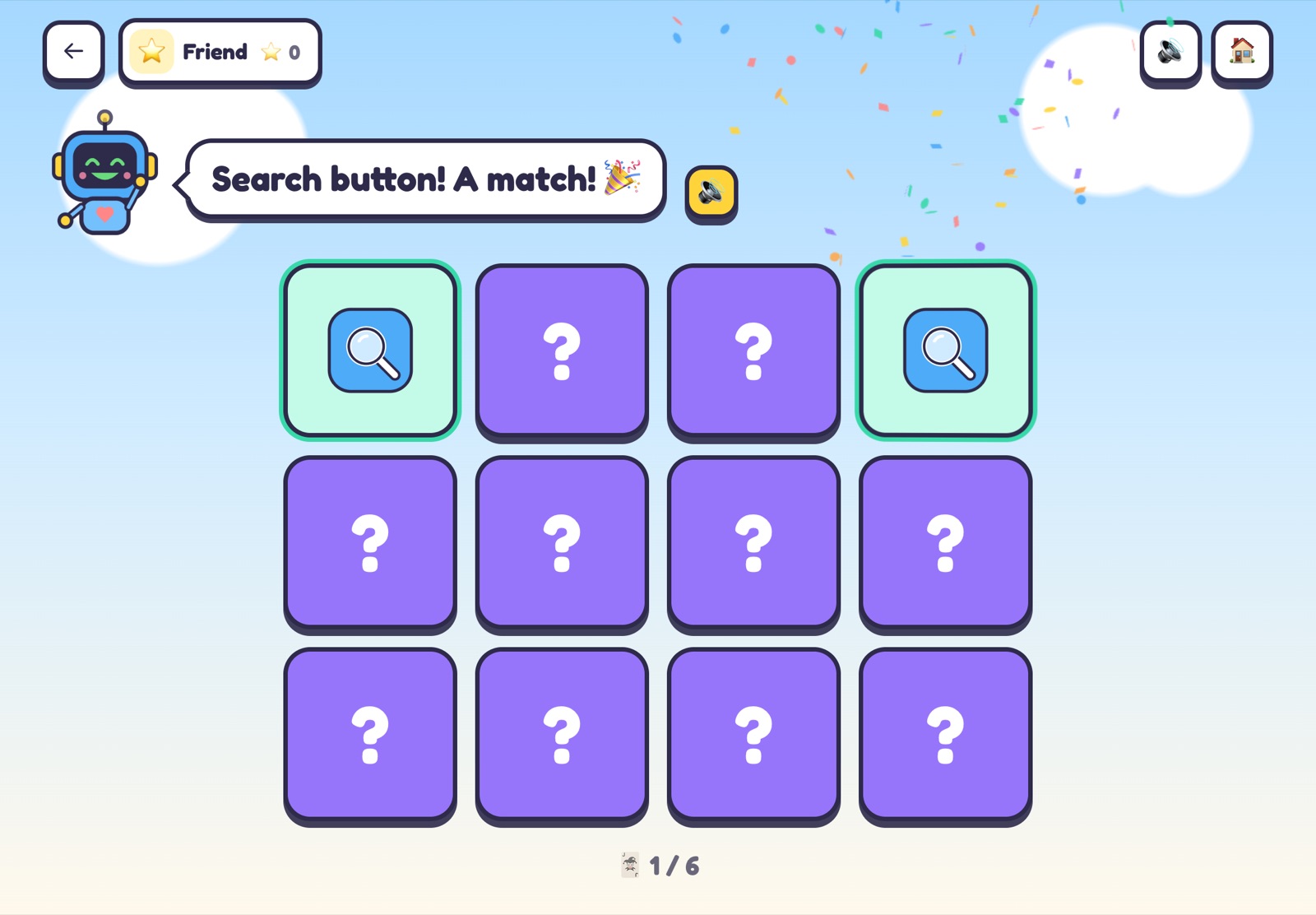
- Memory: the cards face down; turn two over and find the pairs.
- In order: tap the steps in the right order, a first step towards thinking like a programmer.
Made for small hands
- Big pictures and buttons, and no reading needed: Bit says every question.
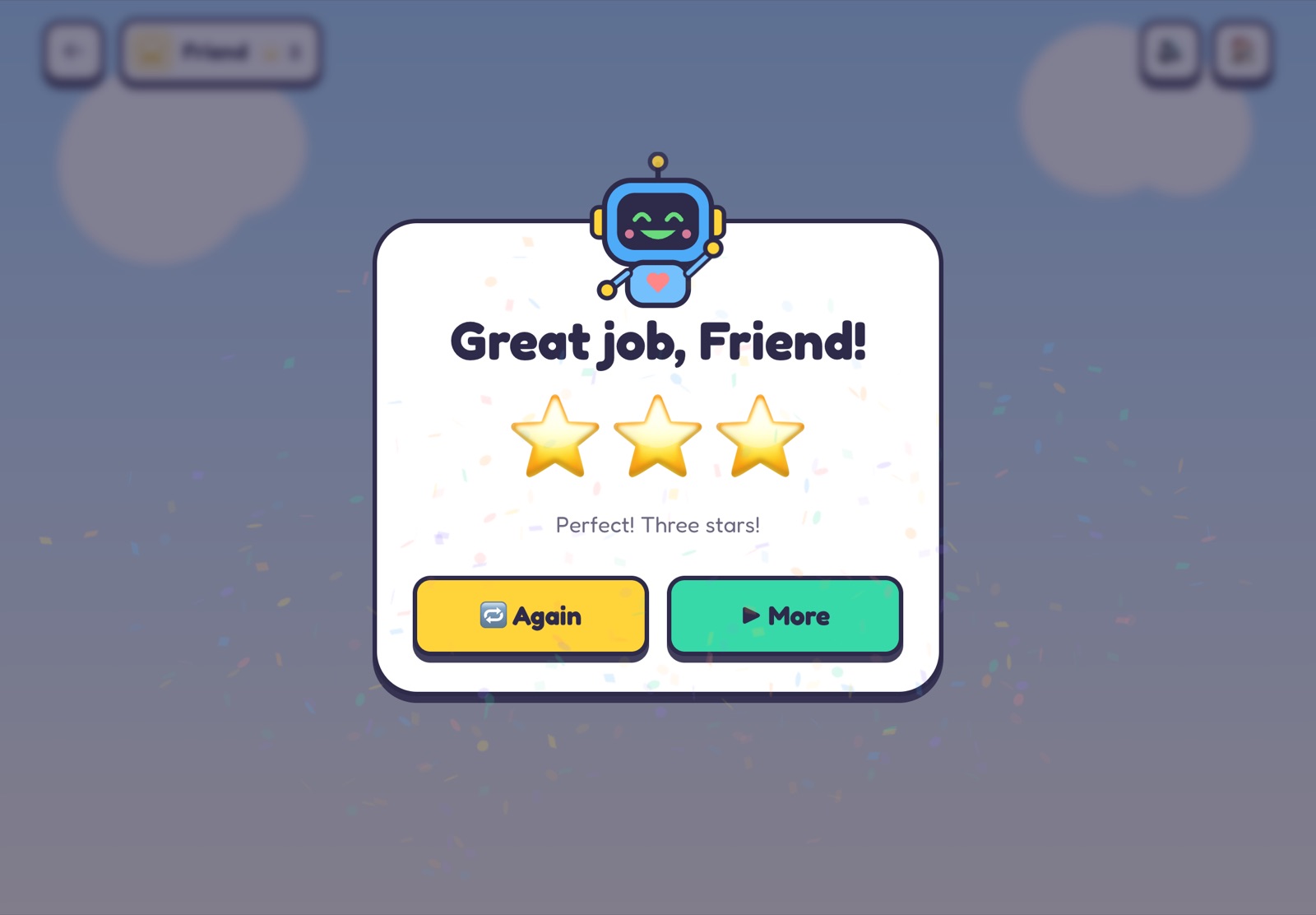
- A right answer gets confetti and a happy Bit; a wrong one, a little shake and "Try again!".
- One to three stars at the end of every game, and the best one is kept.
- Sounds can be switched off, and the device remembers it.
For parents
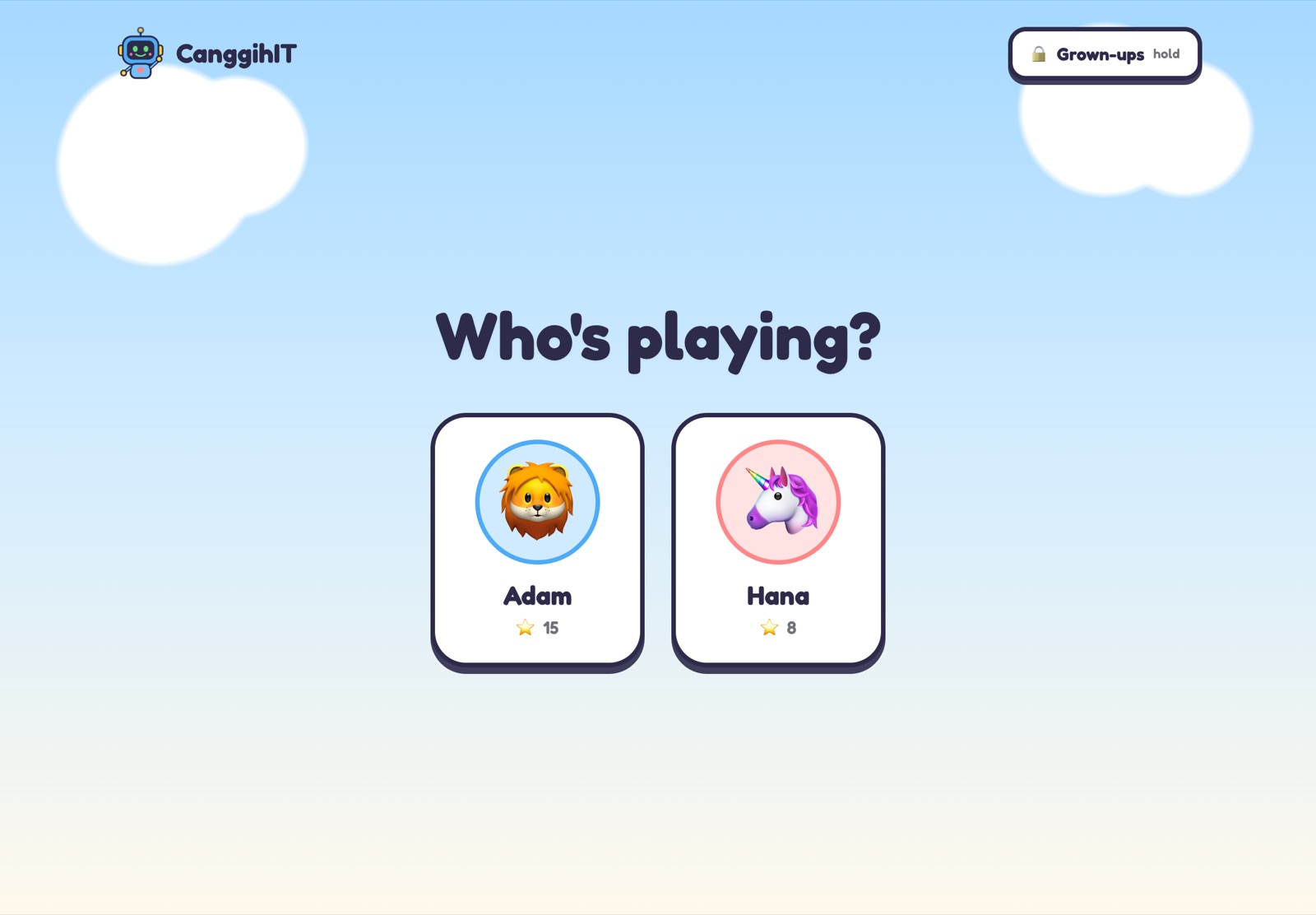
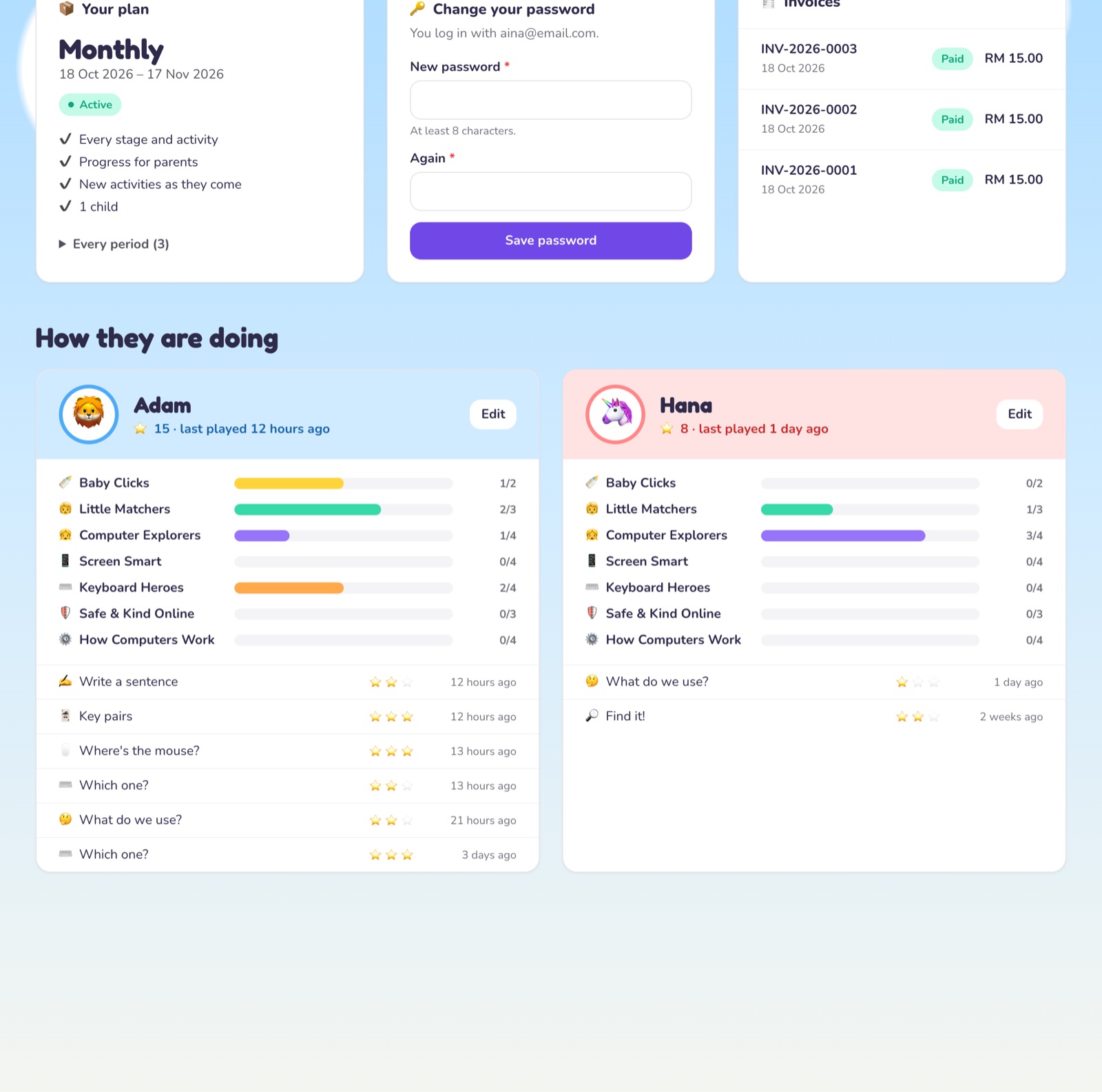
Each child has a profile of their own on Who's playing?. The Grown-ups' corner opens only after a long press, so a child does not wander in, and shows:
- how far each child is in every stage, and their latest games with the stars;
- your plan, when it ends, and your invoices;
- a password, if you would rather log in than use the link.
How to start
- Try the free demo first if you like: a game from every stage, without an account.
- Tap "Order on WhatsApp", and pay by bank transfer or DuitNow QR.
- You get a login link on WhatsApp. Tap it, add your children, and they can play straight away.